
VertiGIS
High-resolution aerial imagery and property intelligence, accessible directly inside your VertiGIS Studio Web application.
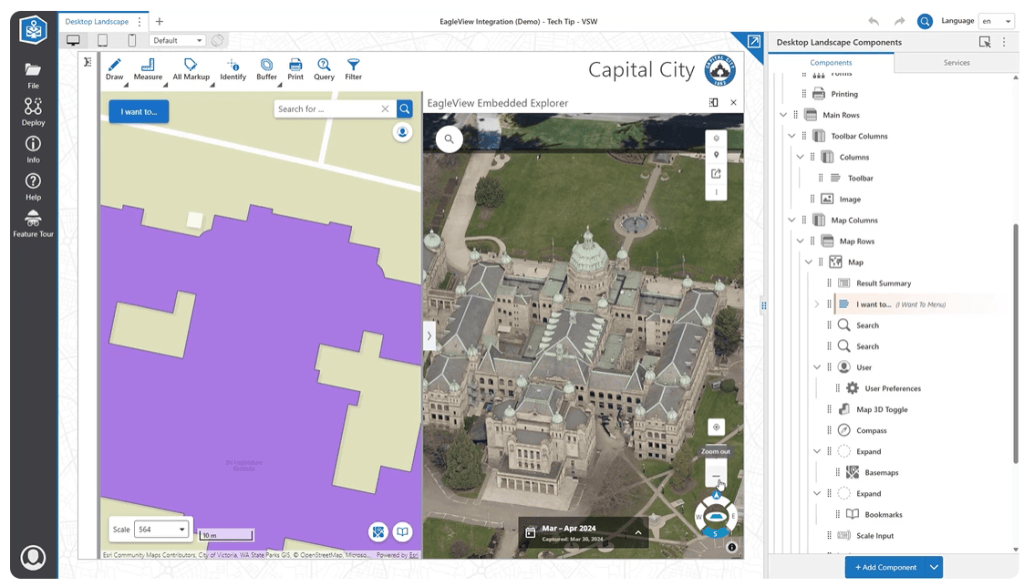
The Power of VertiGIS + Eagleview
Key Focus Areas:
- VertiGIS builds and maintains a native component library for VertiGIS Studio Web; the integration is provided at no cost, with optional Professional Services available for configuration.
- Oblique imagery via Eagleview Cloud / Embedded Explorer (E3), built on Eagleview's JS 4.x API; ortho imagery is available separately as an image service (e.g., WMTS) for use as a map layer.
- Assessors, planners, and emergency managers get oblique, ground-truth imagery — including measurement tools — synchronized with their existing GIS workflow, reducing the need to switch applications and speeding up assessment, inspection, and disaster-response tasks.

Native VertiGIS Studio
Web Integration

High-Resolution Oblique
& Ortho Imagery

No-Cost Integration, Optional
Professional Services
Explore the Partnership
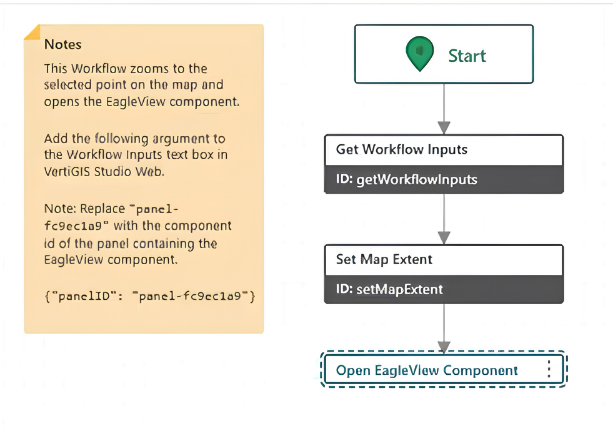
Eagleview Embedded Explorer (E3) for VertiGIS Studio Web
A component library that embeds Eagleview's oblique-imagery viewer directly inside a VertiGIS Studio Web app's context or results menu.

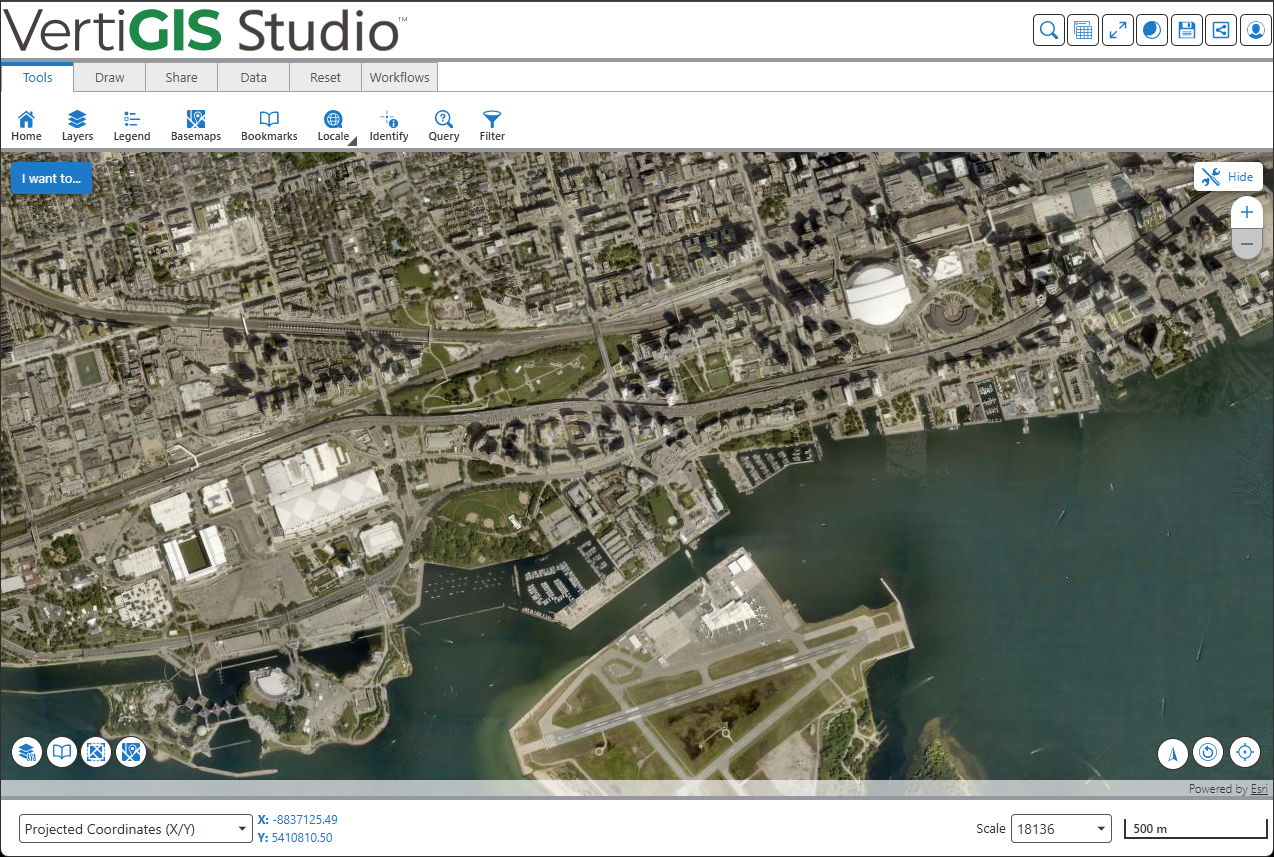
Eagleview Ortho Image Services
Direct access to Eagleview's high-resolution orthomosaic imagery as a standard map layer inside VertiGIS Studio Web.
Products
Learn More About VertiGIS and Eagleview
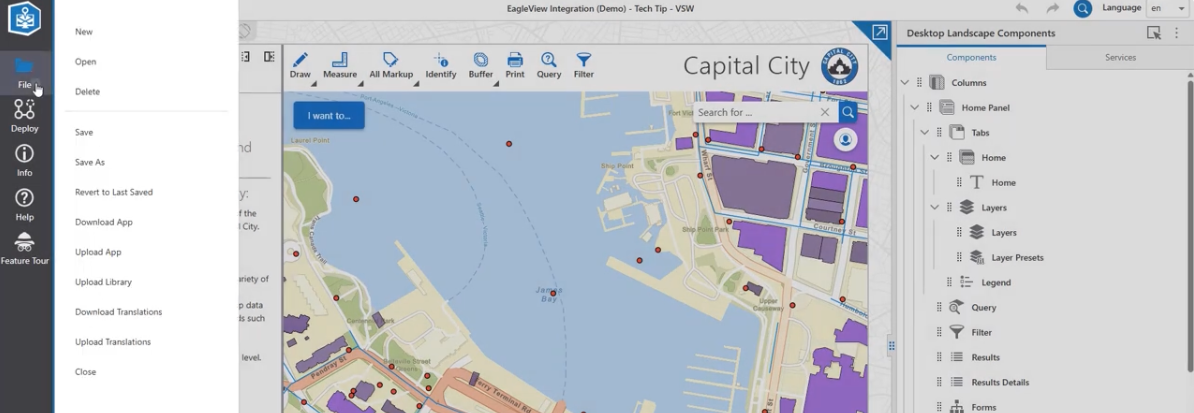
Add Eagleview Explorer to VertiGIS Studio Web [Video]
Step-by-step walkthrough of embedding the Eagleview Explorer inside a VertiGIS Studio Web app.
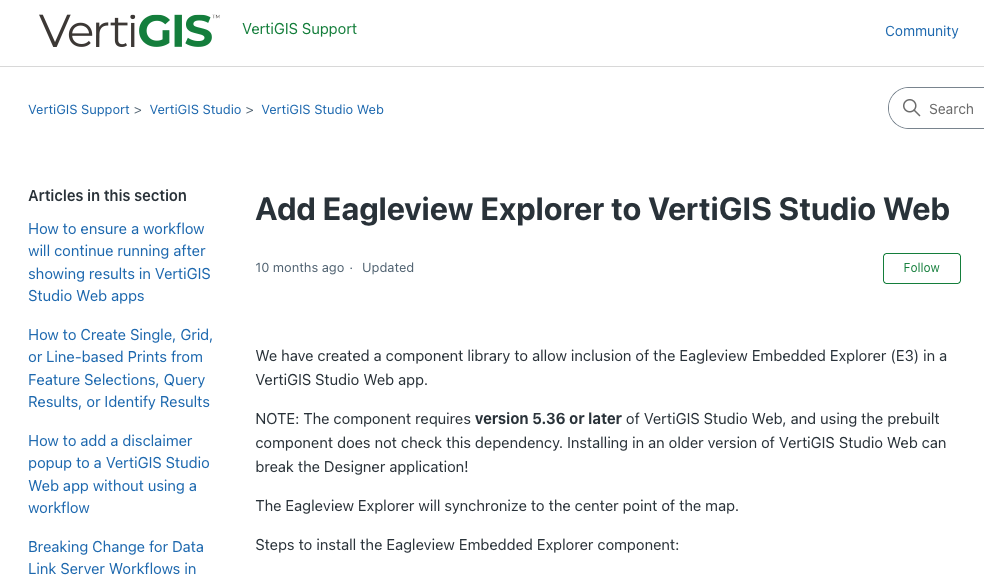
Add Eagleview Explorer to VertiGIS Studio Web [Article]
Configuration steps, sample workflows, and the component library download.
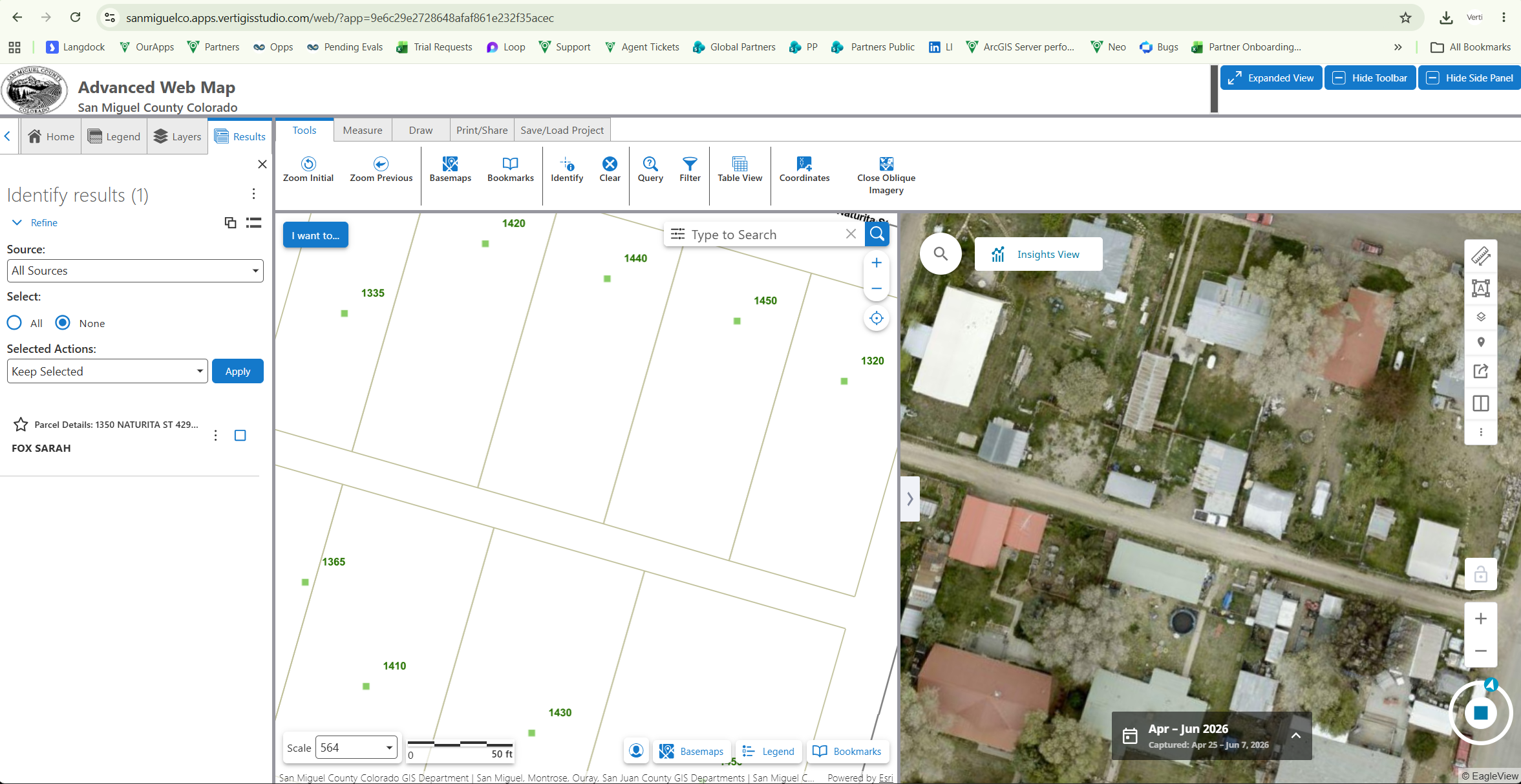
San Miguel County Advanced GIS Viewer
How San Miguel County moved to VertiGIS Studio SaaS for secure, always-current GIS access, integrating Eagleview imagery without the burden of on-premises maintenance.
Ready to get started?
Find training, product, and contact resources for this partnership below.
Integration Request or Inquiries
Email your Eagleview Technical Account Manager (TAM).
VertiGIS Technical Support
Reach out to VertiGIS technical support.
VertiGIS Sales Inquiries
Reach out to VertiGIS Inside Sales.